Whose insurance pays when the driver who hit you was between rides, or mid-trip with a passenger in the back? The answer sits inside the app's status at the moment of the crash, because rideshare companies carry layered coverage that switches on and off as the driver moves through three distinct periods.
The App Period Decides Everything
Period one is the driver logged in but without a ride request, where company coverage is thin and the driver's personal policy is supposed to lead. Period two begins when a ride is accepted, and period three runs until the passenger is dropped off, where the company's million-dollar liability layer is typically active. The same driver, the same car, three very different checks written after the same collision.
Three Periods, Three Outcomes
Think of it as a staircase: offline means your own claim against their personal insurer, logged-in-but-waiting means a smaller company backstop, and en-route-or-carrying means the full commercial layer applies. A passenger injured in period three is in the strongest position, while a driver hit by someone merely logged in may be chasing a thin slice of coverage.
What the Company Provides Directly
During active trips the rideshare policy commonly includes liability for third parties and sometimes uninsured-motorist protection for the driver, but it rarely covers the driver's own vehicle the way a commercial fleet policy would. The gap between what the app promises and what a traditional employer would carry is where claims get complicated and where your own coverage may need to step in.
Gaps You May Need to Fill
If the at-fault rideshare driver was in period one, their personal insurer may deny the claim by citing commercial use, leaving you caught between two policies that each point at the other. Your own uninsured or underinsured-motorist coverage is the backstop most people forget they have, and it is often the fastest route when the corporate layer is not yet active.
Documenting the Trip Itself
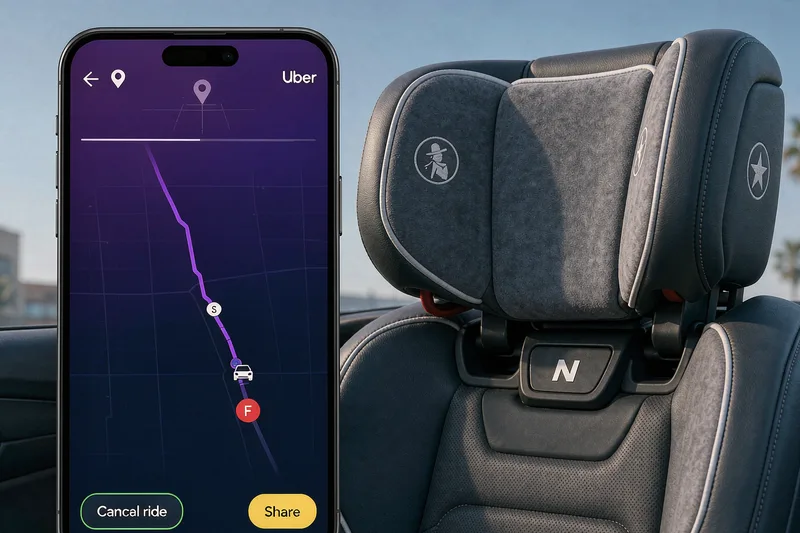
Screenshot the app status if you are the driver, and note the time and the ride details if you are a passenger or the other party. The company's records will show the period, but getting your own copy early prevents a dispute over when the request landed. Keep the trip ID and the driver's name exactly as shown, because those strings are what support opens the claim file with.
Rideshare claims are won on timing: the period at the moment of impact is the whole case. Confirm the status, lean on your own uninsured-motorist coverage when the corporate layer is thin, and preserve the trip record before anyone edits the story. The coverage exists, but it is staged, and the stage you were in decides who writes the check.
Passengers should open the app and screenshot the active trip the moment something feels wrong, because that single image fixes both the period and the driver in any later dispute. The company's own records can be edited or misread, but your capture timestamps the ride exactly as you experienced it. Riders who wait for the insurer to request it often find the detail harder to obtain; the screenshot taken in the moment is the cleanest proof you will ever hold, and it takes one second.